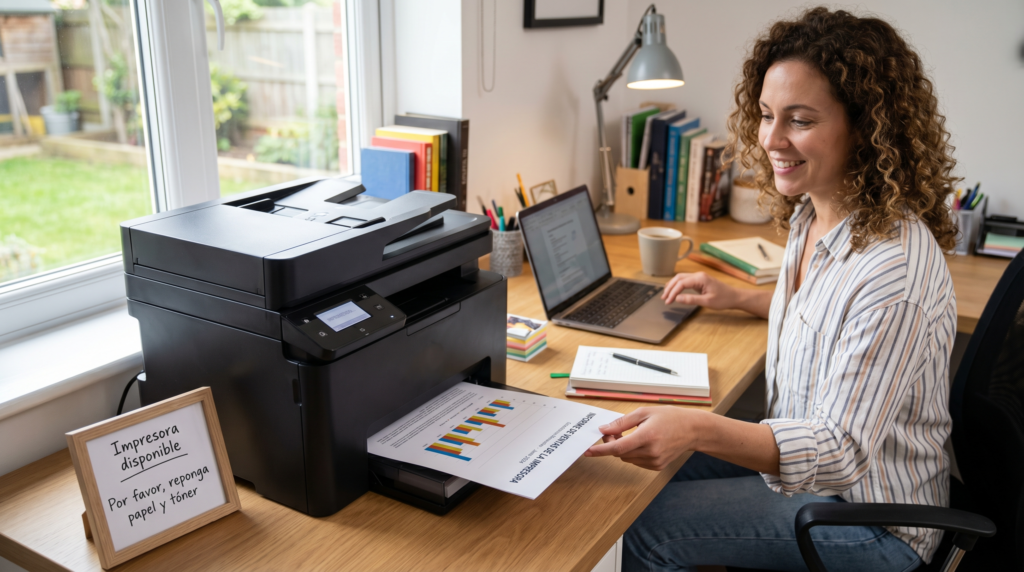
Modern offices are fast-paced, and you might think that only tech like cloud storage and messaging apps are the only ones that matter when talking about productivity. But paperwork isn’t going away anytime soon. The likes of contracts, financial statements, and HR documents still need physical reviews. So, business printers remain utterly important tools. Here’s how they promote efficient day-to-day operations:
Faster Output
You’d never want to deal with printers that churn out documents slowly. They can ruin an employee’s momentum and waste valuable time. High-speed business printers can help avoid such scenarios. They can pump out pages quickly no matter how busy the day gets.
Imagine multiple people trying to print large reports or presentation decks at the same time. Traditional printers can clog up and create lines. Modern all-in-one printers, on the one hand, can handle multiple jobs at once, thanks to their powerful internal processors and extra memory. This means large print jobs finish in a flash, so employees are able to get right back to work quickly too.
Investing in high-quality business printers is essential here. Their reliable speed and professional results are necessary to keep your daily operations running efficiently. They can keep up with a fast-paced office and won’t let you down when deadlines loom.
Remove Friction
With older office setups, employees had no choice but to sit at a specific desktop computer just to send a file to the printer. Wireless and mobile printing features have completely changed the game.
A wireless business printer lets workers send documents straight to the print queue from their laptops, tablets, or phones any time they need to. This removes the annoying extra steps of emailing files to a coworker or logging into a shared computer just to get a hard copy. The wide range of connectivity options keeps the team moving and flexible because the printer works seamlessly with the devices people already use.
Consolidate Equipment
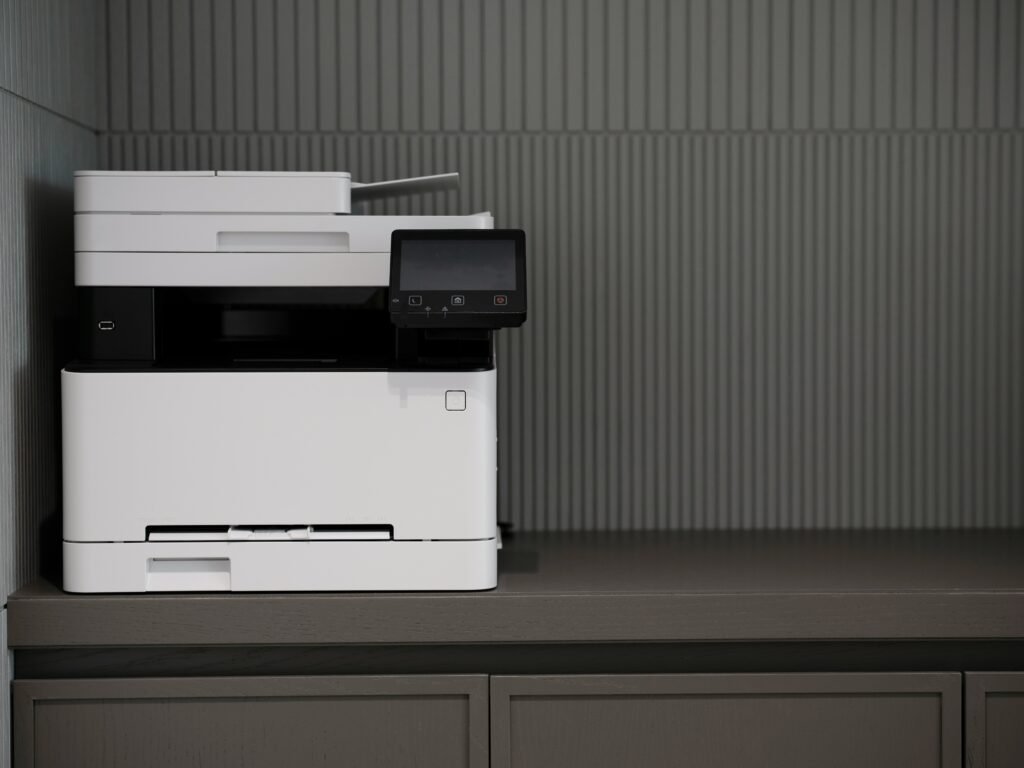
You know exactly what happens next when you’ve got separate machines for printing, scanning, copying, and faxing: a crowded workspace plus skyrocketing electric bills. Fortunately, robust business printing solutions now pack all four capabilities into a single device, including strong scanning functionality for digitizing documents on the fly.
When you consolidate everything into one unit, it immediately lowers expenses, not to mention it frees up both time and office square footage. For instance, you’ll only need to buy toner and parts for one type of machine. In addition to that, your IT team only has to maintain and fix one system instead of troubleshooting multiple ones.
Spend Smarter
Unmonitored printing can quietly drain a company’s budget. Talk about all those wasted papers and constant toner replacements, which can be especially problematic during high-volume office printing periods. Speaking of wasted papers, you don’t want to contribute to the staggering 17 million tons of office paper waste generated each year throughout the globe.
Regardless of whether you’re running a color laser printer for vibrant marketing materials or a straightforward black-and-white printer for everyday memos, business printers offer clear tracking tools and built-in usage reports that show exactly who’s printing what. You can easily change the default settings to enable duplex printing, automatically printing on both sides of the page, or restrict unnecessary color output. Keeping an eye on print volume across departments also makes it easier to spot waste early. The system can send alerts when ink is running low to avoid last-minute emergencies. These simple tweaks add up to major financial savings.
Protect Sensitive Documents
An office printer connected to the Internet can be a prime target for hackers or physical data leaks if left unprotected. You don’t have to worry about those risks when you’ve got modern business printers. Smart protections offered by modern compact office units or large commercial printers and production printers used in high-demand environments keep private company data safe across all scales of operation.
PIN-to-release printing stops confidential papers from sitting out in the open tray. This means the machine won’t print the file until the employee physically walks up and types in their code. Built-in encryption and artificial intelligence (AI) threat detection protect files as they travel over Wi-Fi, further lowering the risk of hackers stealing company data through your print network. Pairing these protections with a cloud service further extends your workflow capabilities. It gives teams secure, flexible access to print jobs from virtually anywhere while maintaining full control over sensitive documents, all without sacrificing image quality in the process.
Final Thoughts
Running a successful business means removing elements that cause operational headaches. Upgrading to solid, smart business printers only means a much smoother, uninterrupted workday, keeping teams efficient, operating costs low, and your private information protected at all times.